Best IPTV Players in UK
Supercharge your streaming setup. Compare the top media players, match them to your hardware, and link directly to setup tutorials.
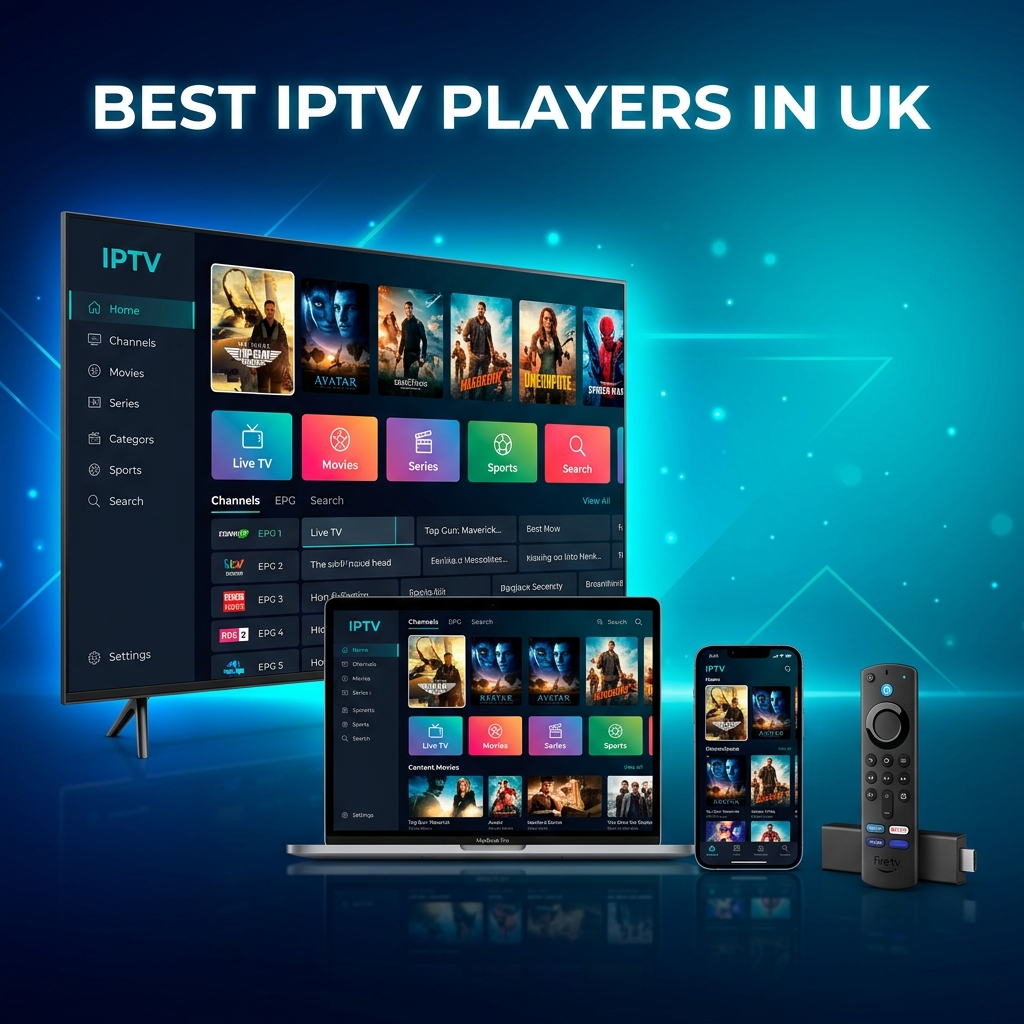
The Streaming Software Engine: Why Your Player Matters
Acquiring a premium IPTV playlist subscription is only half the battle for UK cord-cutters. The software application you use to play that list—the IPTV player—determines your daily experience. A poorly coded player will lag, crash during channel switches, and fail to load Electronic Program Guides (EPG) correctly, leading to the dreaded buffering wheel of doom.
The best IPTV players provide smooth, hardware-accelerated decoding, automated TV guide syncing, playlist customization options, and simple navigation. To help you build the perfect setup in London, Manchester, Birmingham, and beyond, we have ranked and reviewed the top 8 players available in the UK, linking each to our step-by-step setup guides.
Top 8 IPTV Players in the UK Ranked
1. TiviMate
Best OverallTiviMate is the absolute gold standard for Android-based streaming hardware (Amazon Firestick, Android TV boxes, Google TV). It offers a professional, cable-like interface with rapid category loading, custom channel hiding, and seamless EPG integration.
• Pros: Cable-like TV guide, multiple playlists, high-speed channel switching.
• Cons: Premium version required for full features; Android/Fire OS only.
2. IBO Player Pro
Best for Smart TVsIBO Player Pro is a premium player developed specifically for Tizen (Samsung) and webOS (LG) Smart TV platforms. It installs directly from the TV app stores, bypassing the need for technical sideloading.
• Pros: Direct Smart TV app store access, very fast channel caching, sleek user interface.
• Cons: Requires a one-time activation fee after a 7-day trial.
3. IPTV Smarters Pro
Best Free OptionSmarters Pro is the most popular cross-platform IPTV player globally, running on iOS, Android, Smart TVs, and PCs. It supports Xtream Codes API connection natively and offers built-in movie/VOD category sorting.
• Pros: Free to use, multi-playlist compatibility, runs on Apple devices.
• Cons: Ad-supported in the free version; mobile UI is slightly outdated.
4. HotPlayer
Best for SpeedHotPlayer is a lightweight player designed for speed. It features minimal visual effects to prioritize rapid channel switching, making it an excellent alternative for older Firesticks and low-RAM Smart TVs.
• Pros: Extremely low RAM usage, instant channel switching, clean VOD layout.
• Cons: Minimal customizable interface features.
5. IBO Player
Best Classic EngineThe standard version of IBO Player remains a reliable standby for Samsung and LG TVs. It provides a simple menu layout with stable M3U link caching, giving users a direct, no-fuss connection to their playlist feeds.
• Pros: Simple activation system, direct Smart TV store app, stable EPG reloading.
• Cons: Slightly older UI theme compared to the Pro edition.
6. Vu Player Pro
Best Modern UIVu Player Pro offers a modern, glassmorphic layout that matches premium web app interfaces. It handles Xtream Codes API lists beautifully and is popular among Apple TV and iOS users.
• Pros: Premium design, excellent VOD category grouping, parental control options.
• Cons: Requires a paid activation key for permanent use.
7. BobPlayer
Best Configuration BackupBobPlayer provides excellent tools for custom list sorting. It allows you to backup your channel configurations and restore them across multiple household boxes, making it popular for family setups.
• Pros: Device configurations backup, dual-audio tracks support, simple category grouping.
• Cons: Layout is less intuitive for first-time streaming users.
8. Sparkle TV
Best EPG LayoutSparkle TV is a sleek alternative designed specifically for Fire OS and Android TV. It emulates Android's Live Channels framework, integrating seamlessly with your system menus.
• Pros: System-level grid integration, automatic background guide sync, modern UI.
• Cons: Not compatible with Smart TV platforms or iOS.
Technical Feature Comparison Scorecard
While raw performance depends on server quality, the player app determines features like TV guide layout, speed caching, and configuration backups. The scorecard below compares the technical specifications of the top players.
| Player Name | UI Rating | Cache Speed | EPG Support | Backup Tools |
|---|---|---|---|---|
| TiviMate | Excellent (5/5) | Ultra Fast | Full XMLTV sync | Yes (Local/Cloud) |
| IBO Player Pro | Very Good (4.5/5) | Fast | Automatic EPG | No (MAC linked) |
| IPTV Smarters Pro | Good (3.5/5) | Moderate | Manual/Auto | No |
| HotPlayer | Good (3.5/5) | Fast | Basic sync | No |
| Vu Player Pro | Very Good (4.2/5) | Fast | Full XMLTV sync | Yes |
| BobPlayer | Good (3.8/5) | Moderate | Basic EPG | Yes (Cloud link) |
Recommended Players by UK Device Categories
Matching the right software player with your hardware is key to getting the best performance:
- Amazon Firesticks & Fire TV: **TiviMate** is the top recommendation. It is highly optimized for Fire OS and fits perfectly with the Firestick remote interface. If you prefer a simpler layout, **HotPlayer** is a great secondary option.
- Samsung & LG Smart TVs: Choose **IBO Player Pro**. Since Samsung and LG TVs do not run on Android, they require apps compiled for Tizen and webOS. IBO Player Pro installs directly from the built-in app store without requiring USB developer sideloading.
- Android TV Boxes (Shield TV, Chromecast): **TiviMate** leads the pack, offering native support and high-performance video rendering engines.
- Apple TV & iOS: **IPTV Smarters Pro** and **Vu Player Pro** are the top options, offering easy configuration and running smoothly on Apple's operating systems.
Peak Match-Day Performance & ISP Traffic Optimization
UK internet service providers frequently implement automated traffic shaping protocols during popular live events. This can throttle bandwidth, causing buffering during weekend football fixtures even on high-speed lines.
To bypass local routing congestion and potential ISP throttling in dense metropolitan areas like London, Manchester, or Birmingham, configure your streaming device with high-performance public DNS resolvers. Connecting your streaming hardware directly using an Ethernet cable also reduces packet loss common on standard wireless channels.
"Choosing a high-performance player software handles EPG and stream caching efficiently, but bypass-routing is still required to secure consistent 4K streaming against local ISP network management during weekend fixtures."— Technical Streaming Architect at Xtreme HD IPTV
Frequently Asked Questions
Which IPTV player is best for Amazon Firestick in the UK?
TiviMate is widely considered the best IPTV player for Firestick and Android TV devices. It offers a premium, cable-like interface, rapid channel list loading, and advanced EPG integration.
What is the best player for Samsung or LG Smart TVs?
IBO Player Pro is highly recommended for Samsung and LG TVs. It is available directly in the Samsung Tizen and LG webOS app stores, requiring no sideloading, and delivers clean 4K playback.
Do IPTV player apps include channels?
No. IPTV players are media engines and do not include content. You must import your own playlist credentials (such as an M3U URL or Xtream Codes login details) from a premium provider like Xtreme HD IPTV.
Pair Your Player with the Best Playlist
Run your favorite player app with our premium, high-speed UK playlists. 40k+ channels and anti-freeze servers ready.
Shop PackagesXtreme HD UK Plans
Get M3U playlists and Xtream Codes API credentials instantly compatible with all top 8 player applications.