
SETUP & TUTORIALS
Complete guides to set up Xtreme HD IPTV on Firestick, Android, Smart TV, iOS, and Windows. Works with any IPTV player app.
Our service is compatible with all major IPTV apps including IPTV Smarters Pro, TiviMate, Flix IPTV, and more. Follow our step-by-step tutorials to get started in minutes.
Compatible with any IPTV Player
Our IPTV service works seamlessly on all major devices and apps. Whether you use Smart IPTV, TiviMate, IPTV Smarters, or any other player, we've got you covered. Stream on Smart TVs (Samsung, LG), Firestick, Android TV, iOS, Windows, Roku, and Apple TV.








Compatible with all available players in the market
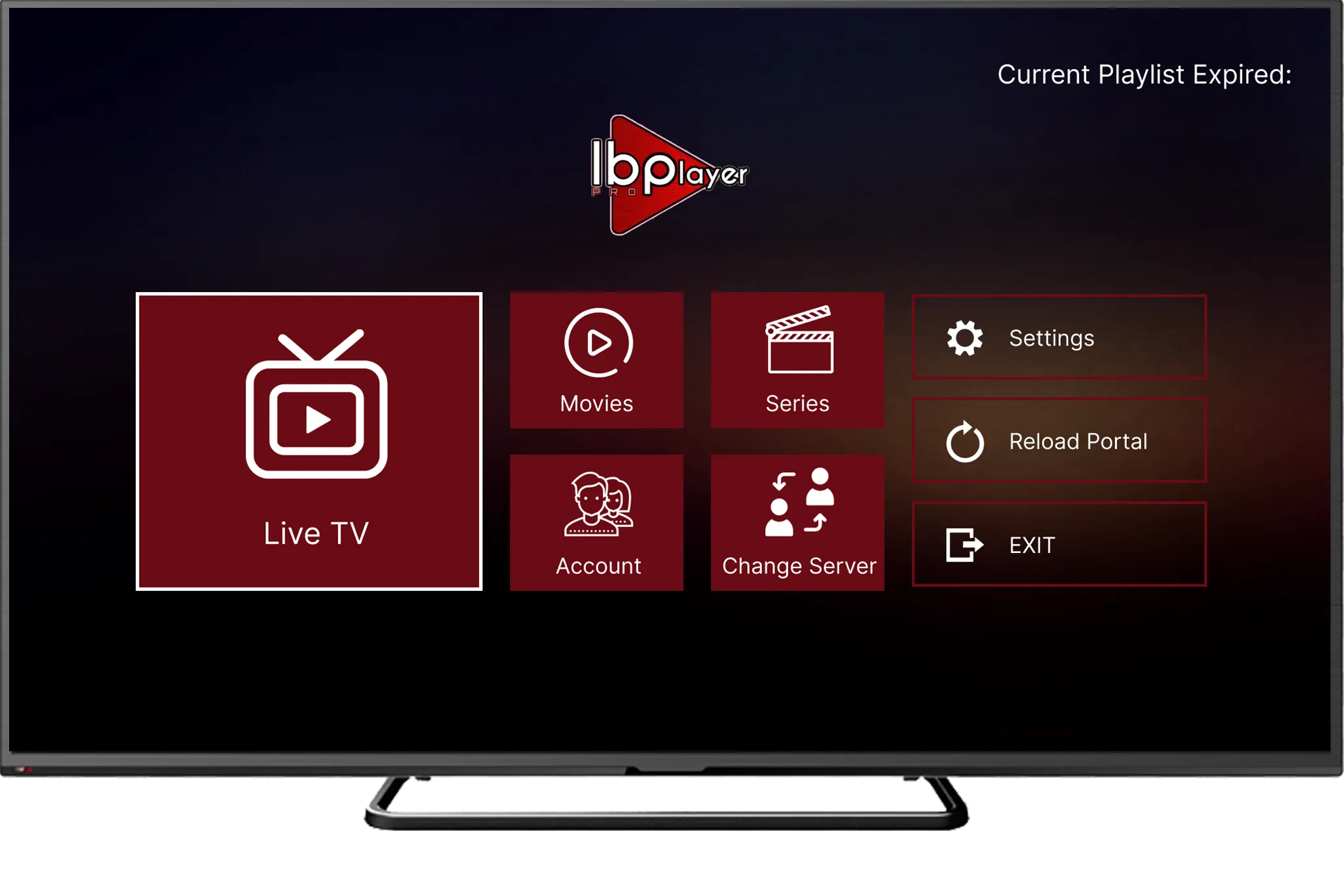
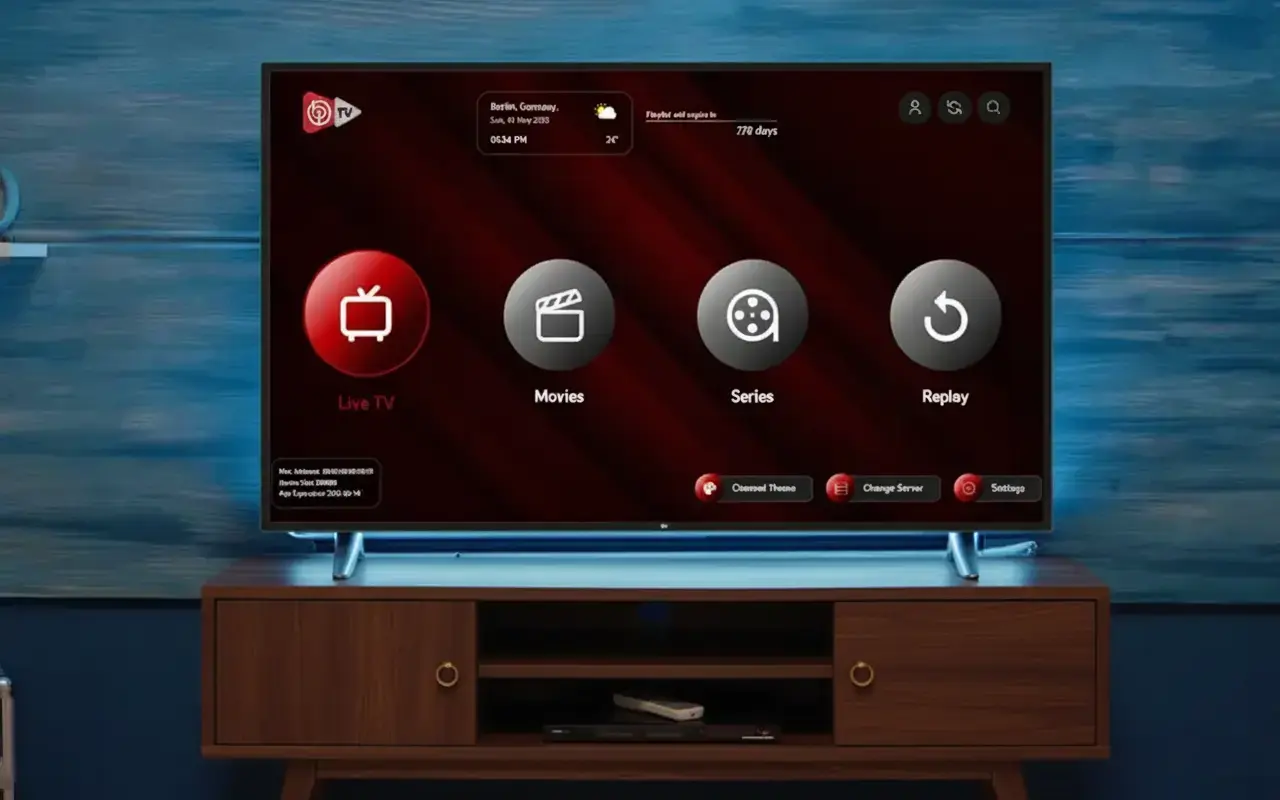
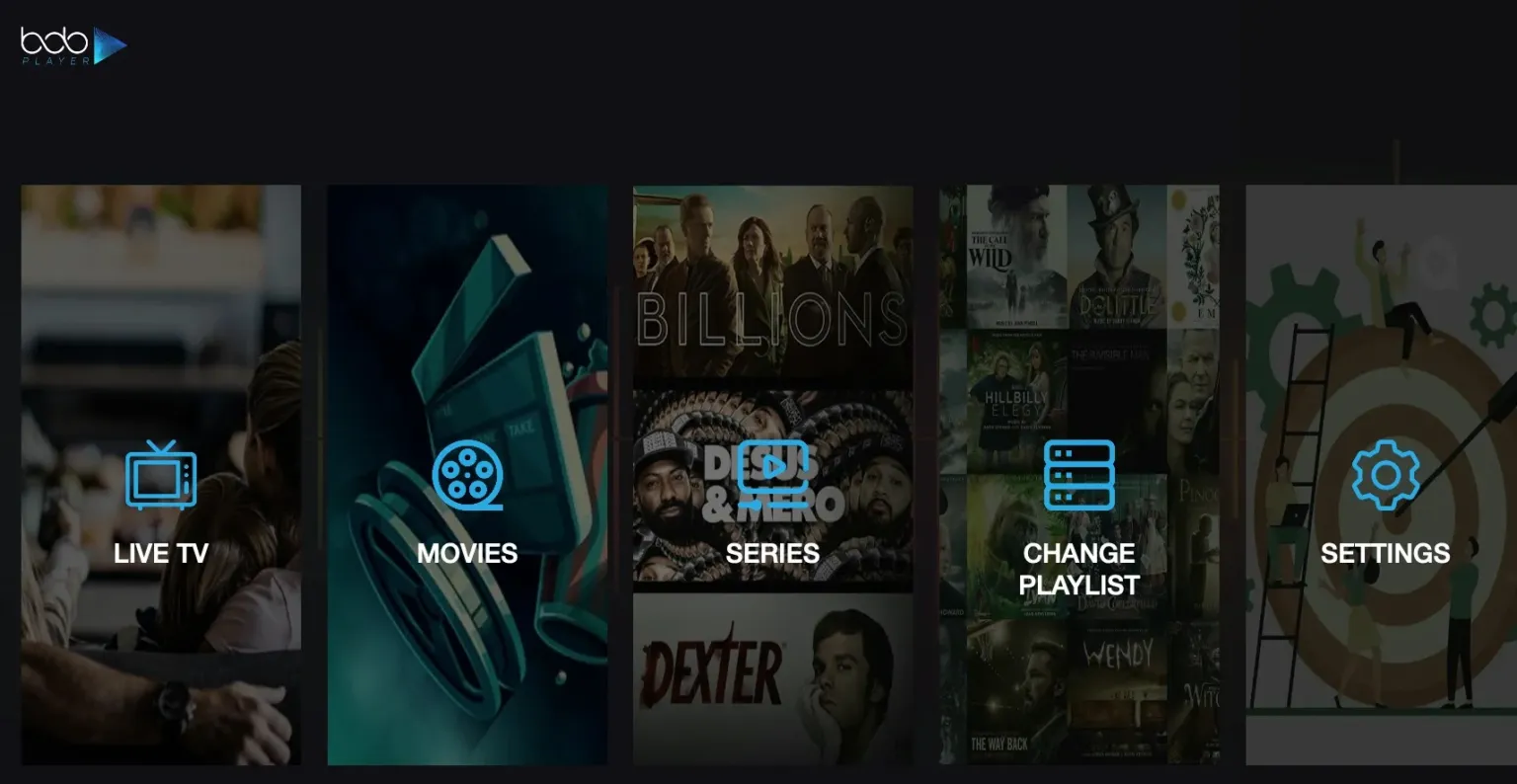
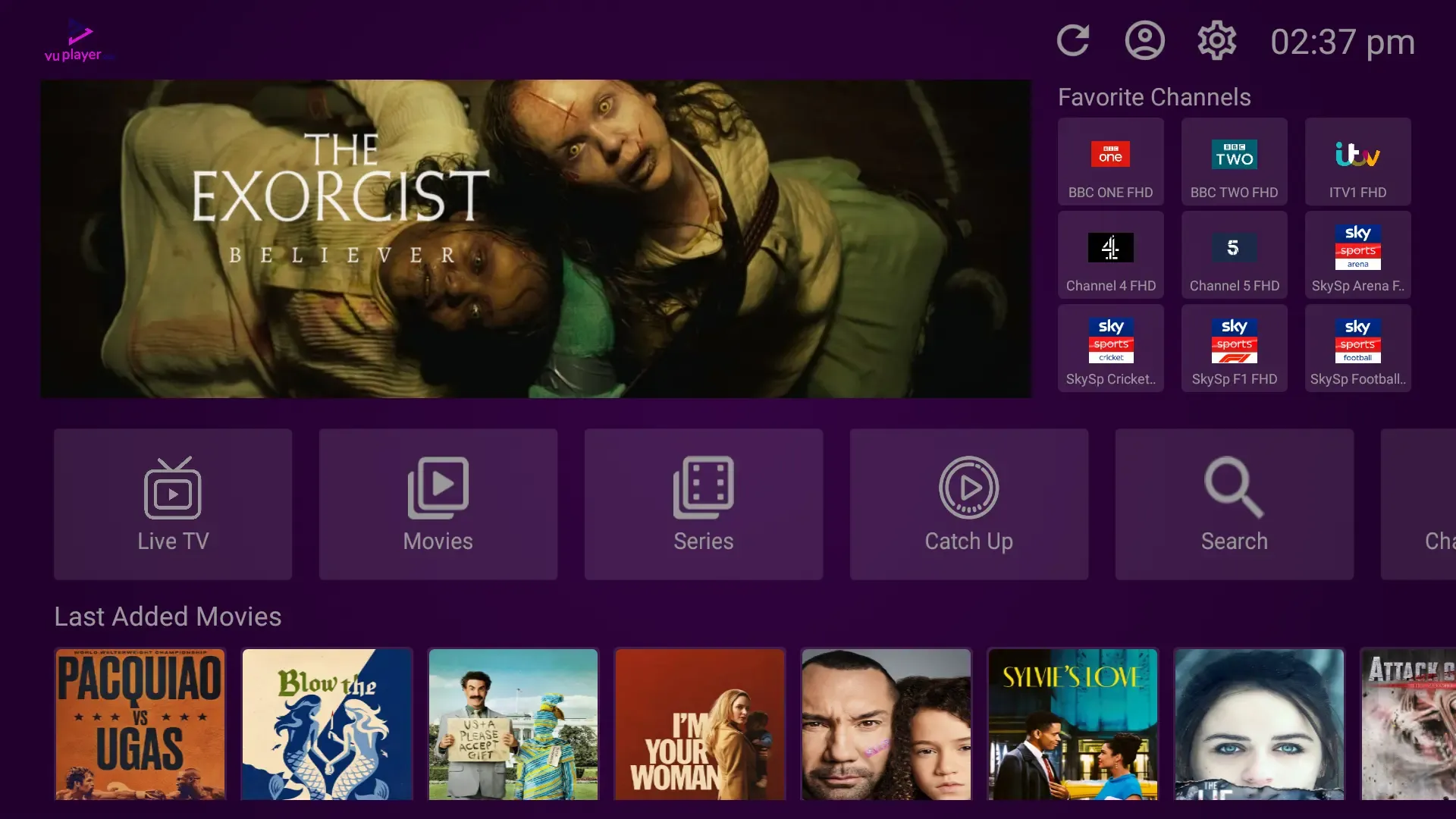
Whether you use Hot Player, IBO Player Pro, IBO Player, Bob Player, Vu Player Pro, TiviMate, Sparkle TV, SetIPTV, XCIPTV, NetIPTV, or any other client app, our high-quality streams load instantly. Get your credentials now.

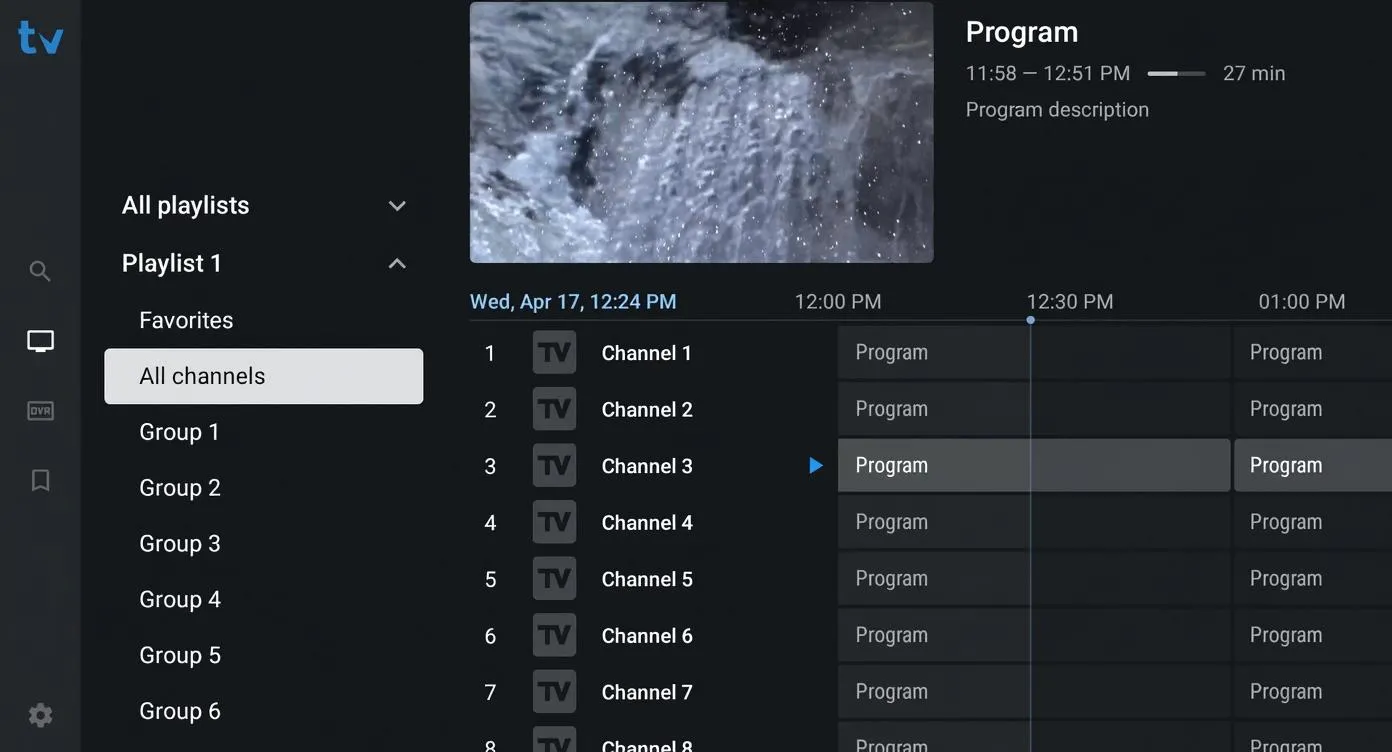
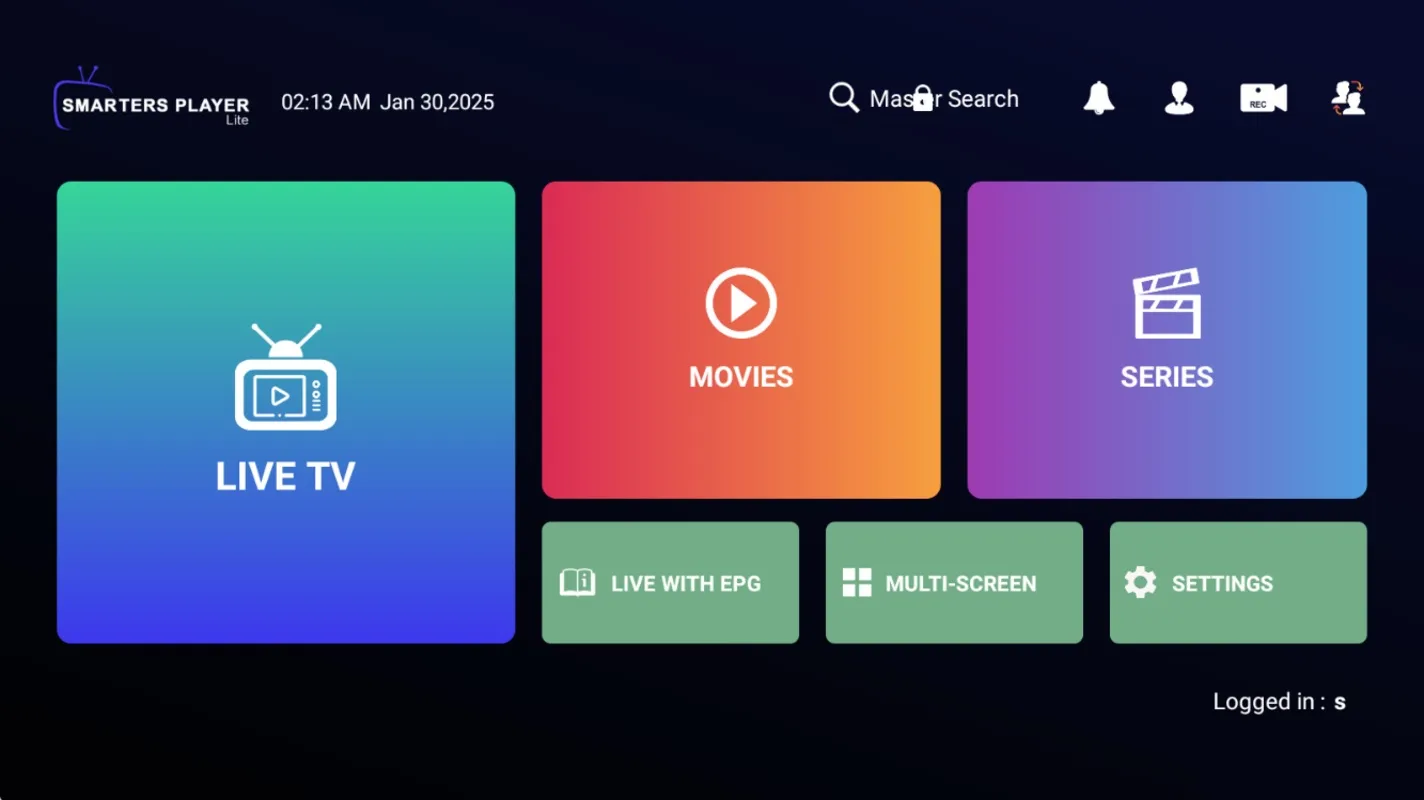
Universal Apps
Flawless configuration support on Hot Player, TiviMate, IBO, NetIPTV, and more.
Double Playlists
Supports standard M3U playlists and Xtreme Codes API server portals.
Anti-Freeze Engine
Optimized feeds that guarantee buffer-free play on all market players.
Step-by-step Setup
ULTIMATE IPTV SETUP GUIDE
Choose your device below for simple, step-by-step installation instructions. Our service works with any IPTV player on the market.
Amazon Firestick / Fire TV Setup
Firestick is universally considered the best device for streaming. We highly recommend using HotPlayer for its speed, or TiviMate for advanced functionality.
- 1Navigate to Settings > My Fire TV > Developer Options and enable Apps from Unknown Sources.
- 2Search for and install the Downloader app directly from the Amazon App Store.
- 3Launch Downloader and type in one of the following codes to install your chosen player.
Recommended Downloader Codes:
Need Help? If you have any trouble installing or activating your subscription, contact our 24/7 support team.
Ready to Start Streaming?
Get your instant access now. Sign up for a free trial or purchase a subscription to enjoy 40,000+ channels and 100,000+ VODs.